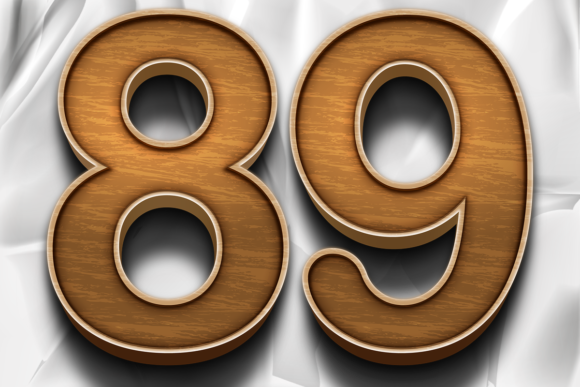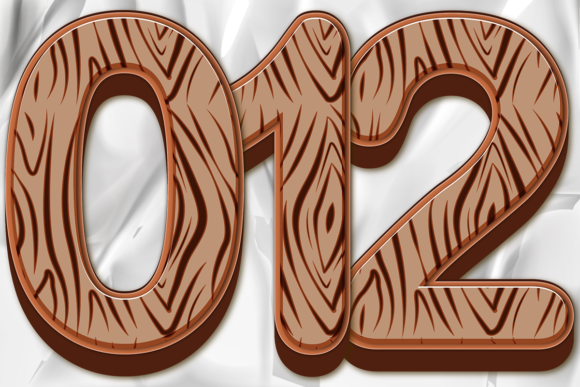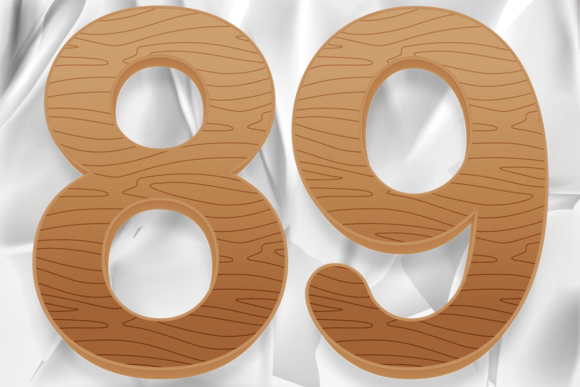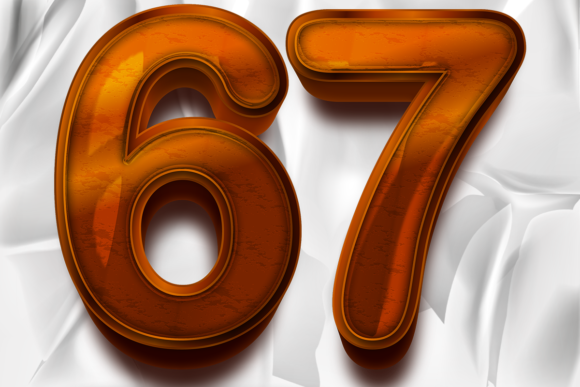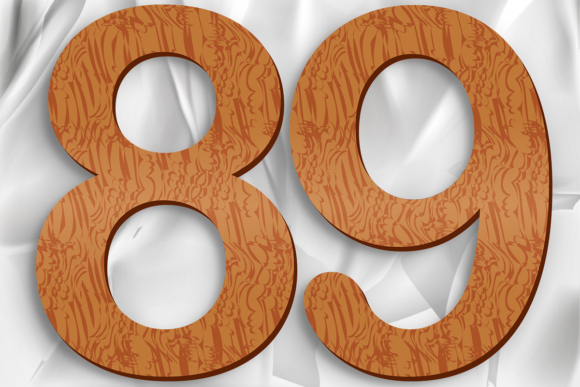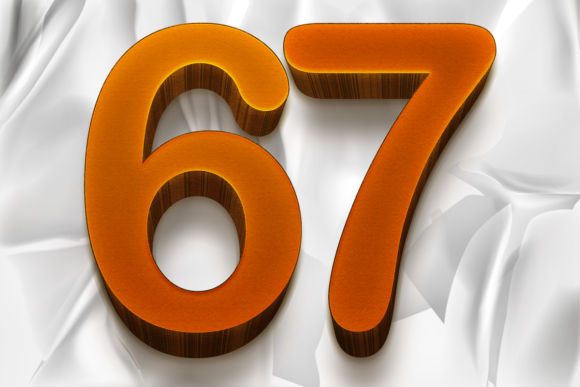
Wood Numbers Texture Graphic Design
In the world of visual communication, few elements are as fundamental yet versatile as numbers. Whether you are designing a birthday invitation, creating an educational poster for your classroom, or building a brand identity for a small business, the way you present numerical data can significantly impact how your audience perceives your message. This is where Wood Numbers Texture Graphic Design steps in as a powerful tool. By combining the organic warmth of wood grain with the structured clarity of numerals, this design set offers a unique aesthetic that bridges the gap between rustic charm and modern professionalism.
At its core, this collection is not just about displaying digits; it is about adding character. The set features ten distinct pieces, ranging from number 0 to number 9, each crafted with intricate decorative styles that mimic the natural patterns found in timber. These are not flat, generic fonts. Instead, they are rich illustrations that bring depth and texture to any project. For designers and creators looking to elevate their work without starting from scratch, having access to high-quality vector assets like these is invaluable.
The Appeal of Organic Textures in Digital Design
Why choose wood textures over standard digital fonts? The answer lies in human psychology and aesthetic preference. In an era dominated by sleek, minimalist, and often cold digital interfaces, there is a growing desire for warmth and authenticity. Wood textures evoke feelings of stability, nature, craftsmanship, and nostalgia. When you apply a wood texture to numbers, you immediately ground your design in something tangible and real.
This particular design set excels because it balances complexity with usability. The wood grain details are sophisticated enough to catch the eye, yet the shapes of the numbers remain clear and legible. This makes them perfect for a wide array of applications. For instance, a bakery might use these numbers on a menu board to suggest homemade quality, while a construction company might use them in a presentation to emphasize structural integrity. The versatility of Wood Numbers Texture Graphic Design allows it to fit seamlessly into both personal creative projects and professional commercial endeavors.
What You Get in Your Download
One of the most significant advantages of using vector-based graphic design images is flexibility. Unlike raster images, which can become pixelated when enlarged, vector files maintain their crispness at any size. This download package is designed to give you maximum control over your designs. It includes three essential file formats:
- EPS File: Ideal for professional printing workflows and compatibility with various design software suites.
- AI File: The native format for Adobe Illustrator, allowing you to edit paths, colors, and effects directly.
- PNG File: A transparent PNG version that allows you to place the numbers over any background without worrying about white boxes or awkward borders.
Having these multiple formats ensures that whether you are working on a large-scale billboard or a small social media graphic, the quality remains uncompromised. The inclusion of the transparent PNG is particularly useful for quick mockups, web design, and presentations where layering elements quickly is necessary.
Software Compatibility and Workflow
A common concern for users downloading vector assets is software compatibility. This specific vector design was created using Adobe Illustrator CC 2017. If you are using this exact version, you will experience no issues opening or editing the files. However, if you have a newer version of Adobe Creative Cloud, such as CC 2018, CC 2020, or even the latest releases, you will find that everything works perfectly fine. Adobe maintains backward compatibility, meaning newer versions can open older files without corruption.
For those who do not use Adobe Illustrator, the EPS and AI files can often be imported into other vector graphics programs like Affinity Designer, CorelDRAW, or Inkscape (with some conversion steps). The PNG files are universally compatible with almost any image editing software, including Photoshop, GIMP, Canva, and PowerPoint. This broad compatibility means you can integrate these wood-textured numbers into your existing workflow regardless of your preferred tools.
Practical Use Cases and Applications
Understanding how to use these assets effectively can transform your projects. Here are several realistic scenarios where Wood Numbers Texture Graphic Design shines:
- Event Planning and Invitations: For rustic-themed weddings, barn parties, or anniversary celebrations, these numbers add a touch of elegance. Imagine a "40th Birthday" banner where the numbers look like carved wooden plaques. It creates an immediate atmosphere of celebration and tradition.
- Educational Materials: Teachers and educators can use these images to create engaging worksheets, flashcards, or classroom decorations. The warm texture makes learning math feel less sterile and more inviting for young students.
- Small Business Branding: Entrepreneurs running artisanal businesses—such as woodworking shops, farms, or craft breweries—can incorporate these numbers into their logos, packaging, and signage. It reinforces brand values of natural ingredients and handcrafted quality.
- Digital Content Creation: Bloggers and marketers can use the transparent PNGs to create eye-catching headers for blog posts, such as "Top 10 Tips for..." or "5 Ways to Save Money." The visual interest helps break up text and keeps readers engaged.
- Home Decor and DIY Projects: Hobbyists can print these numbers on wood-look paper or transfer them onto actual wood slices to create custom home decor items like wall art, nursery signs, or kitchen organization labels.
Considerations Before You Start
While these assets are highly versatile, there are a few practical considerations to keep in mind. First, always check the resolution of your final output. Even though the source files are vectors, exporting them to low-resolution formats for web use can diminish the impact of the detailed wood grain. Aim for high-DPI exports for print materials.
Secondly, consider color harmony. Wood textures typically feature browns, tans, and grays. Ensure that the surrounding elements in your design complement these earthy tones. Clashing neon colors might overwhelm the subtle texture, whereas soft pastels or deep greens would enhance the natural feel. Finally, remember to respect copyright and licensing agreements associated with the download. While these files are convenient for personal and commercial work, understanding the terms of use ensures you remain compliant and ethical in your creative practice.
Ultimately, Wood Numbers Texture Graphic Design is more than just a set of clipart. It is a design element that brings personality, warmth, and professionalism to your work. By leveraging the power of vector technology and the timeless appeal of wood textures, you can create designs that stand out in a crowded digital landscape. Whether you are a seasoned graphic designer or a beginner exploring your first creative project, this set provides the tools you need to communicate your message clearly and beautifully.